
Catch the right block. Keep control.
A user-started Android assistant for Amazon Flex refresh, filtering, and visible session controls.
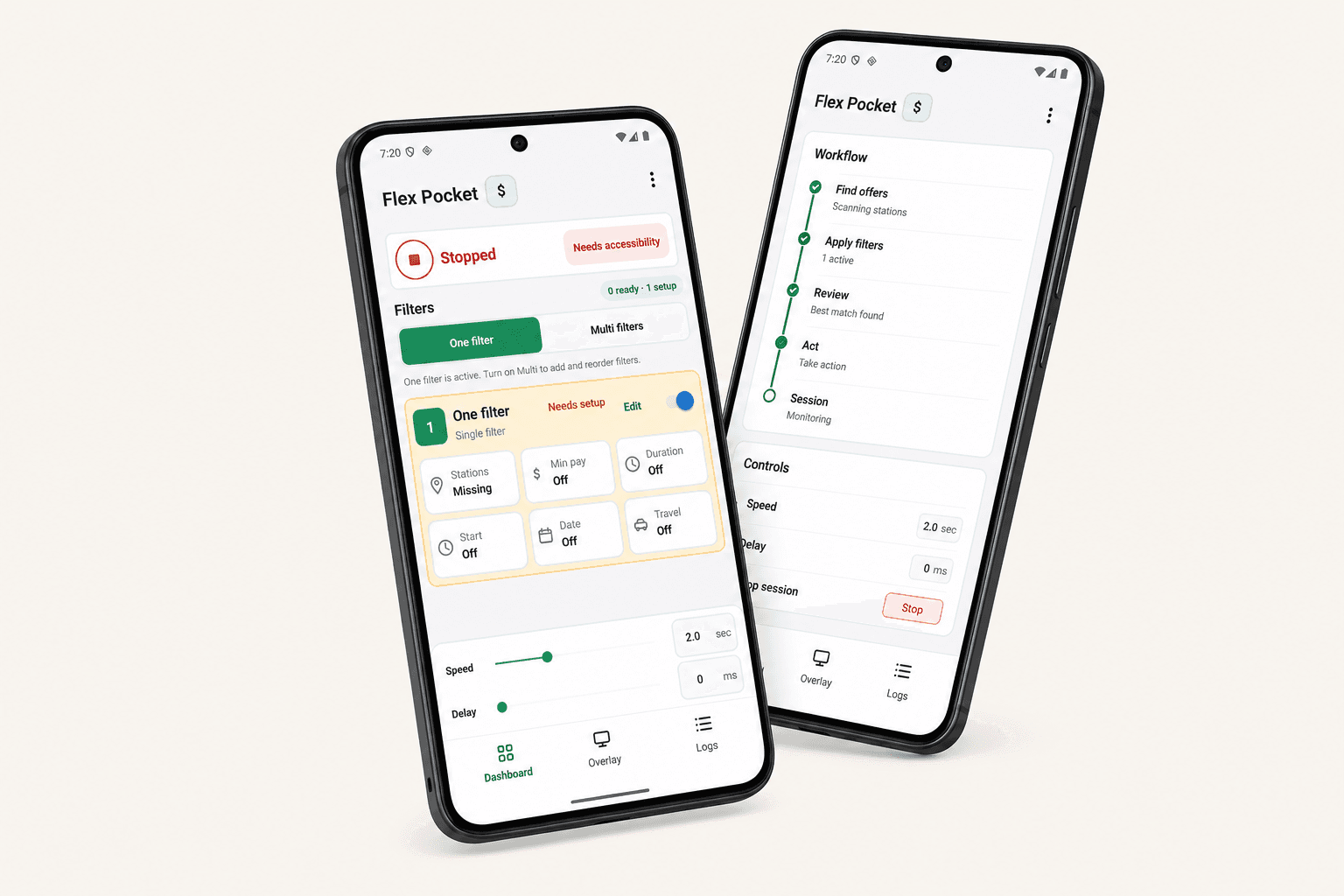
- User started
- No boot persistence
- Package scoped
- Amazon Flex only
- Filter driven
- Your configured rules
Refresh. Evaluate. Re-check.
These are stages of one Auto Grab mode, not separate automation modes. Each session follows a visible, deterministic path and pauses interactions when the screen no longer matches.
Refresh stage
Keeps the offers screen refreshed on your schedule with a visible stop control.
- Four speed levels
- Visible countdown
- Stop anytime
Filter stage
Applies your local rules to visible offers before any offer is opened.
- Station rules
- Payout threshold
- Duration and time windows
Re-check stage
Rechecks the details screen before scheduling a block that still matches.
- Acts on visible offers
- Confirms current details
- Pauses on mismatch
Guardrails that keep you in control.
FlexPockets acts only on what's visible and pauses interactions when the screen no longer matches your rules.
User-started and always visible
You start the session and keep the overlay in sight. No gestures run until you start.
Scoped to Amazon Flex
Automation runs only while the Amazon Flex app is in the foreground.
Full control, always
Stop the session at any time from the visible controls, then adjust settings as needed.
Core data stays on-device
Settings, filters, and activity logs stay on your device. Optional diagnostics can be disabled under App options.
Blocked surfaces
FlexPockets won't act on these screens.
- Android Settings
- Installers
- Permission prompts
- Payment screens
- Password fields
- System security
Set up once. Stay in control.
Review the in-app disclosure and setup steps now. Installation opens here when the public Google Play listing is ready.
Get FlexPockets
The Google Play listing is being prepared. Check back here for the live store link.
Review accessibility
Read the in-app disclosure, choose whether to continue, then manually enable FlexPockets Automation in Android Settings.
Set your rules
Choose the station, payout, duration, and time rules that the session must follow.
Start Auto Grab
Open the selected offers screen, then start a visible, cancellable session. FlexPockets pauses interactions on a mismatch.
The preparation status stays visible here until the public listing opens—no debug build required.
Review the policies and setup steps now. The live store button appears here when the public listing opens.